
 AP Film Scraper, 200 mm long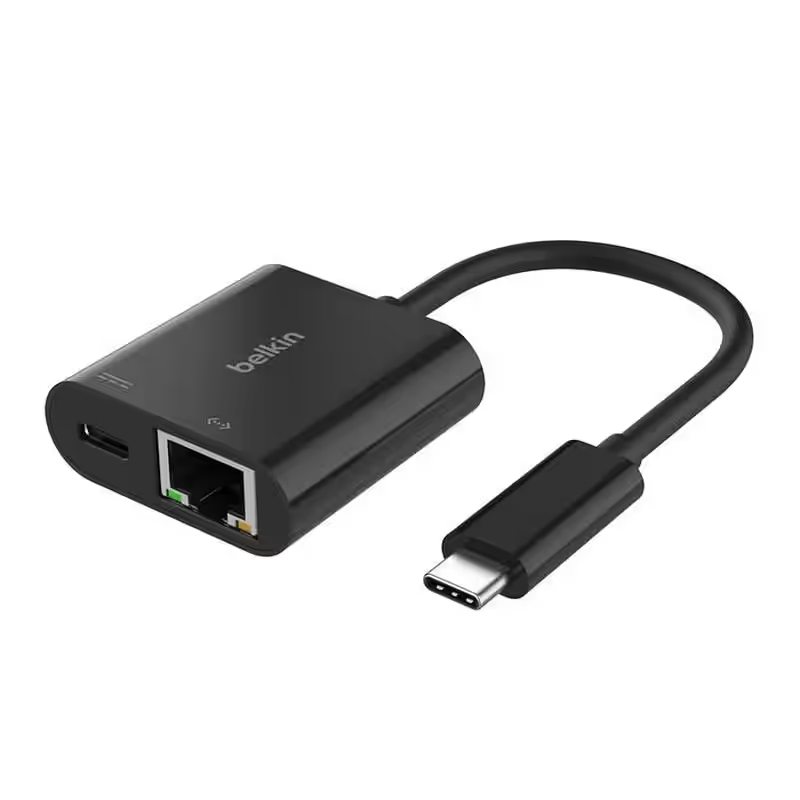
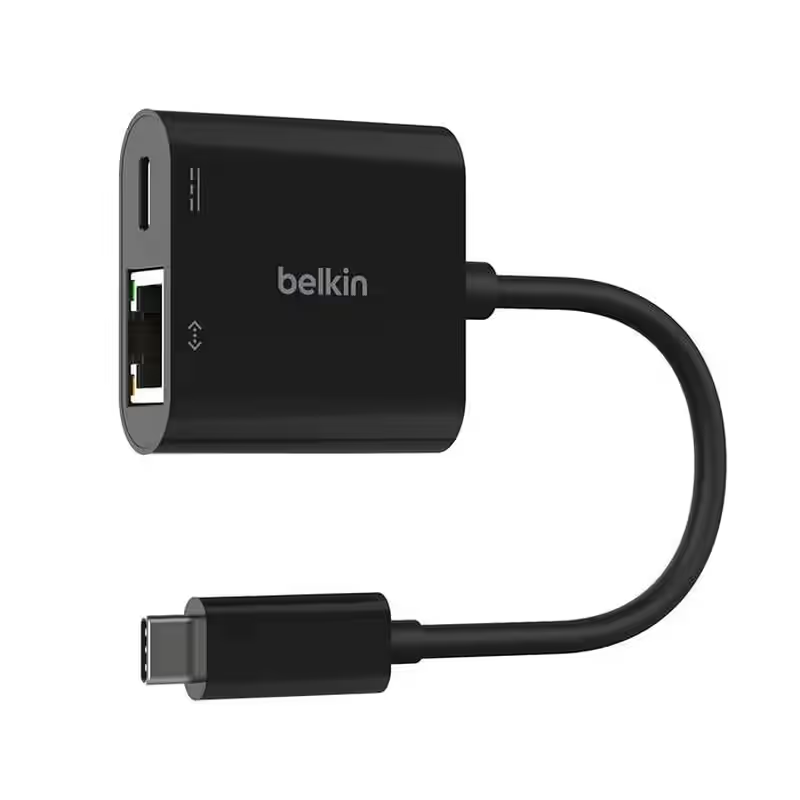
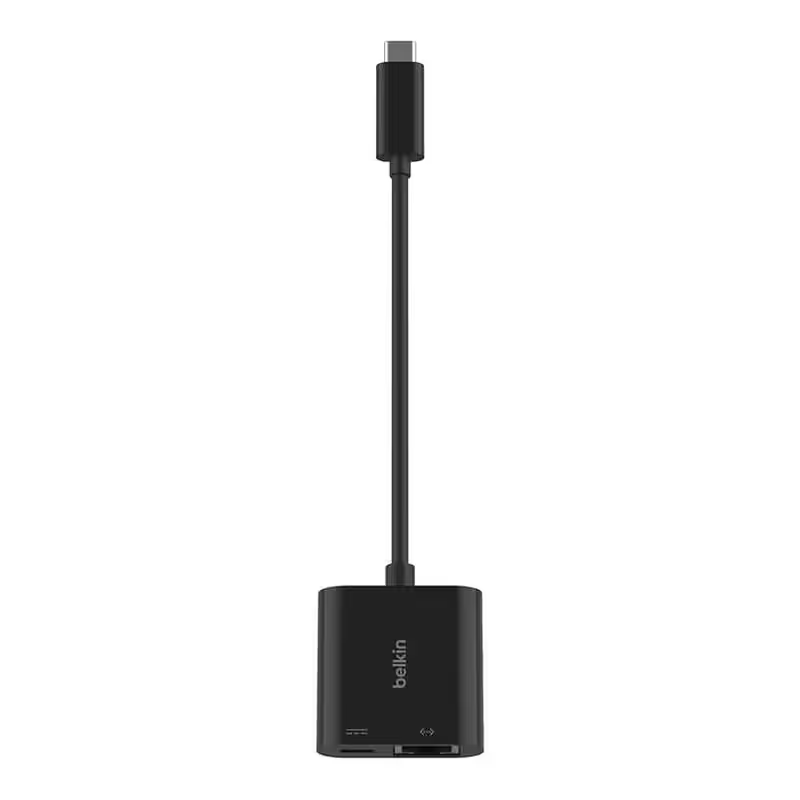
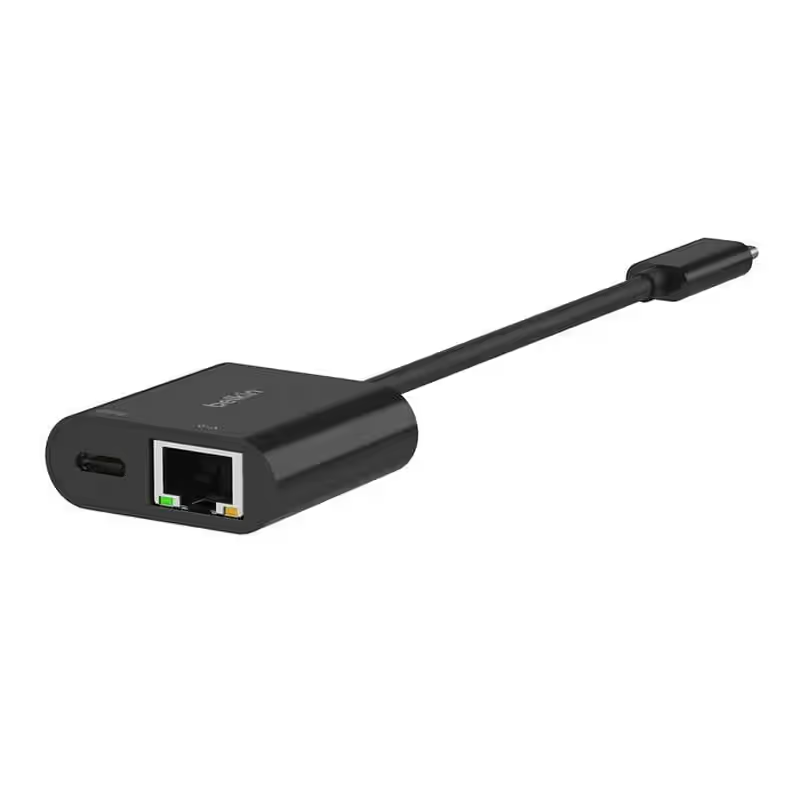
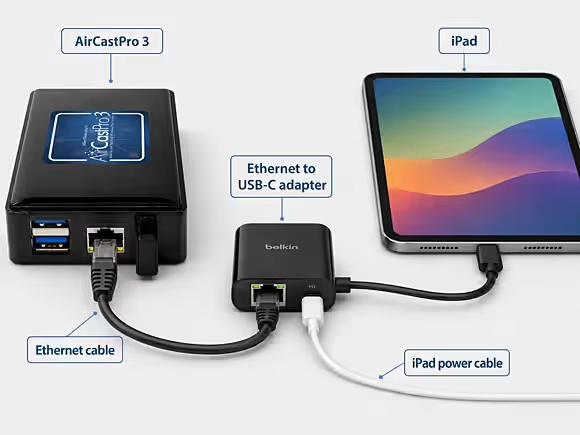
With this 2-in-1 adapter, you can establish a wired network connection between an iPad and an AirCast Pro 3 print server.
Especially at events, using the available Wi-Fi network can lead to connection problems. In addition, for security reasons, many networks prevent direct communication between devices (device-to-device communication), so the iPad may not recognize the printer on the Wi-Fi network.
By connecting to the AirCast Pro 3 via Ethernet, print jobs can be reliably transmitted while the iPad remains connected to the venue’s Wi-Fi network at the same time, thus maintaining unrestricted Internet access. This is particularly advantageous when features such as content sharing, sending text messages or emails, and AI-powered photo booth applications require an active internet connection.
Important Note:
Some photo booth systems, such as the Salsa 2, use the iPad’s single USB-C port simultaneously for power and to control the LED lighting. In such cases, using an Ethernet adapter on the USB-C port is not recommended, as this may interfere with the photo booth’s normal power supply and functionality.
• 2021 MacBook M1 (14-inch)
• MacBook Pro 2019 (16-inch)
• MacBook Air M1 (2020) (13-inch)
• MacBook Pro M1 (2020) (13-inch)
• 24-inch iMac with M1, 2021
• 2023 MacBook Pro M2 Max (16-inch)
• 2023 MacBook Pro M3 (16-inch)
• MacBook Pro M3 2023 (14-inch)
• Dell XPS 13 Plus 9320 (12th Generation)
• HP Spectre x360 14-inch (11th Gen)
• 12.9-inch iPad Pro (6th generation)
• iPad Pro 11-inch (4th generation)
• iPad Pro 11-inch (3rd generation)
• iPad mini (6th generation)
• Toshiba Portégé X30L-J
• Lenovo ThinkBook G2
• Surface Book 3
• Acer Chromebook Spin 311
- Length of the built-in/included cable: 13.10 cm
- Dimensions (L x W x H): 17.10 x 4.10 x 1.50 cm
- Weight: 29 g
- Number of ports: 2
- Current: 20 amps
- Analog RGB Inputs: USB Type-C